# elm-select
Select things in style!
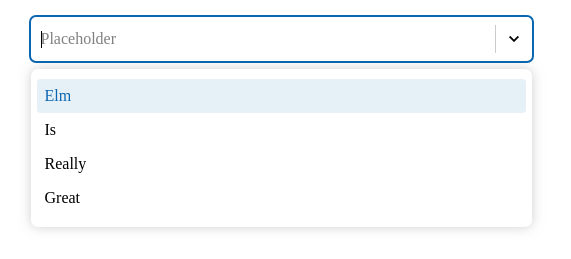
**Single select**
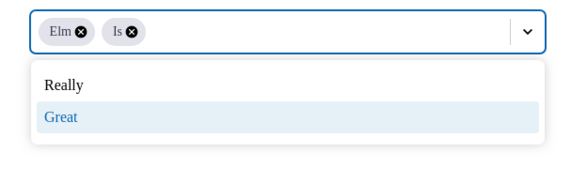
**Multi select**
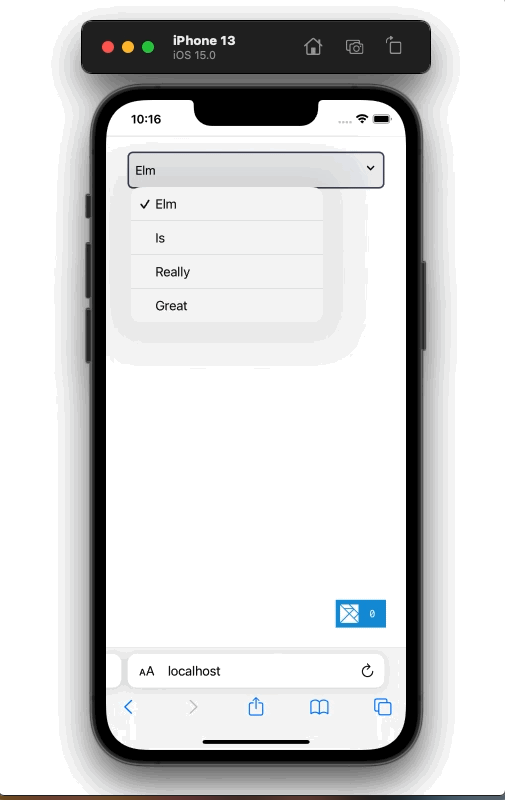
**Single native**
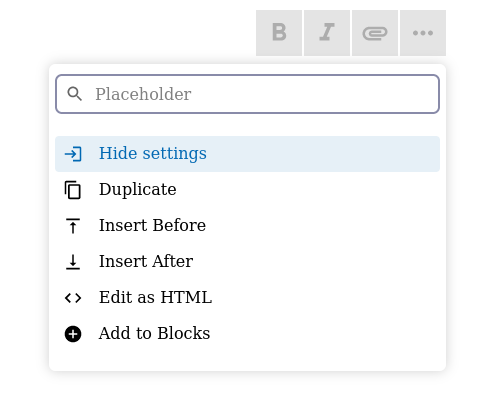
**Menu select**
**Themeable**
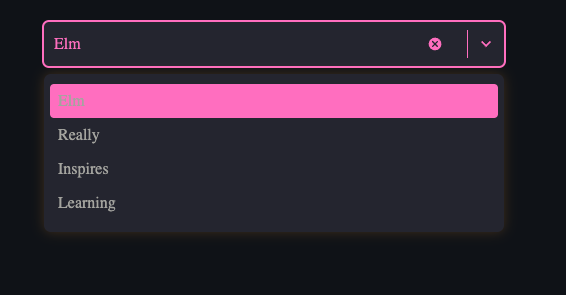
**Custom views**
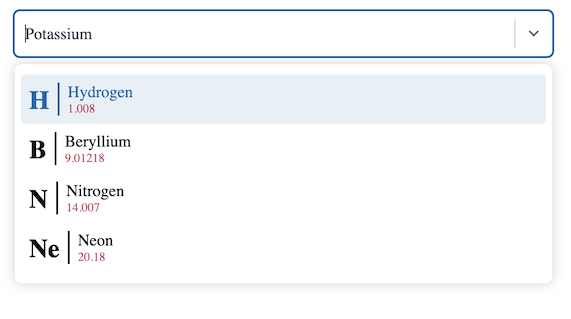
## Accessibility
- Keyboard accessible
- Screen reader accessible
## Styled with elm-css
In the case your program is not using [elm-css]() already, an extra step will be required to make everything work.
You can see how to do that in the [Unstyling elm-css](#-unstyling-elm-css-) section.
# Usage
__Set an initial state in your model__.
```elm
import Select
import Html exposing (Html)
import Html.Styled as Styled
type Country
= Australia
| Japan
| Taiwan
-- other countries
type alias Model =
{ selectState : Select.State
, items : List (Select.MenuItem Country)
, selectedCountry : Maybe Country
}
init : Model
init =
{ selectState =
Select.initState (Select.selectIdentifier "CountrySelector")
, items =
[ basicMenuItem
{ item = Australia, label = "Australia" }
, basicMenuItem
{ item = Japan, label = "Japan" }
, basicMenuItem
{ item = Taiwan, label = "Taiwan" }
]
, selectedCountry = Nothing
}
```
__Add a branch in your update to handle `Msg`'s from the view__.
When updating, elm-select will return a `Maybe Select.Action`, `Select.State` and `Cmd Select.Msg` that need to be handled.
Ignoring the `maybeAction` for now, the update below shows how to persist the `updatedSelectState` and map the `selectCmds`'s to your programs ` Cmd Msg`'s.
```elm
type Msg
= SelectMsg (Select.Msg Country)
-- your other Msg's
update : Msg -> Model -> (Model, Cmd Msg)
update msg model =
case msg of
SelectMsg selectMsg ->
let
(maybeAction, updatedSelectState, selectCmds) =
Select.update selectMsg model.selectState
in
({ model | selectState = updatedSelectState }
, Cmd.map SelectMsg selectCmds
)
```
__Handle the `Action` in your update__
Adding to the example above, the update is handling the `maybeAction` value. This `Action` value represents an event that you may want to react to.
Because there is a `Country` type to represent the menu list items of the Select, we presumably want to know what country someone is from. To know when
a country is selected we are interested in the `Select` action.
The `Select` action will contain the `Country` value that you can persist in your model to track what has been selected.
```elm
update : Msg -> Model -> (Model, Cmd Msg)
update msg model =
case msg of
SelectMsg selectMsg ->
let
(maybeAction, selectState, selectCmds) =
Select.update selectMsg model.selectState
newModel =
case maybeAction of
Just (Select someCountry) ->
{ model | selectedCountry = Just someCountry }
Just (ClearSingleSelectItem someCountry) ->
-- handle cleared
Just (DeselectMultiItem) ->
-- handle deselected
Just (InputChange value) ->
-- handle InputChange
Just (MenuInputCleared) ->
-- handle menu input cleared
Just (FocusSet) ->
-- handle focus set
Nothing ->
model
in
(newModel, Cmd.map SelectMsg selectCmds)
```
#### **Render your Select view**
The select [view](/packages/Confidenceman02/elm-select/latest/Select#view) functions first argument is a `Select.Config Country` value which can be built using our model.
```elm
selectedCountryToMenuItem : Country -> Select.MenuItem Country
selectedCountryToMenuItem country =
case country of
Australia ->
basicMenuitem { item = Australia, label = "Australia" }
Japan ->
basicMenuitem { item = Japan, label = "Japan" }
Taiwan ->
basicMenuitem { item = Taiwan, label = "Taiwan" }
-- other countries
renderSelect : Model -> Styled.Html (Select.Msg Country)
renderSelect model =
Select.view
((Select.single <| Maybe.map selectedCountryToMenuItem model.selectedCountry)
|> Select.state model.selectState
|> Select.menuItems model.items
|> Select.placeholder "Select your country"
)
```
It is required to map the `Select.Msg` that the `Select.view` outputs to a `Msg` type that our `view` is compatible with.
The single and only `Msg` we have set up is the `SelectMsg (Select.Msg Country)` which satisfies the `renderSelect` messages.
```elm
view : Model -> Html Msg
view model =
Html.map SelectMsg (renderSelect model)
```
#### **Unstyling elm-css**
Because all Elm programs emit `Html` type messages which are not directly compatible with elm-css `Styles.Html` type messages, an extra step will be required
to make everything compatible.
Elm-css exposes a `toUnstyled` function that will convert `Styled.Html` messages to `Html` messages.
Read more about [toUnstyled](https://package.elm-lang.org/packages/rtfeldman/elm-css/latest/Html-Styled#toUnstyled).
```elm
view : Model -> Html Msg
view model =
Html.map SelectMsg
(Styled.toUnstyled <| renderSelect model)
```
NOTE: You can use elm-select [examples](https://github.com/Confidenceman02/elm-select/tree/main/examples)
as a resource to help you set up Elm programs with [elm-css]().
# Advanced
## Opt in Javascript optimisation
When using a searchable Select, elm-select renders an input element that can accept keyboard input to
filter the menu down to a specific menu item.
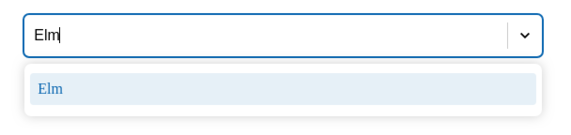
In order for the input to be displayed inline with other UI elements, the input element dynamically adjusts its width to just accommodate the text.
More info [here](https://github.com/Confidenceman02/elm-select/issues/88) about why this decision was made.
Without a javascript optimization elm-select achieves this via the [size](https://www.w3schools.com/tags/att_input_size.asp)
attribute on the input element. It's performant but not a completely ideal solution.
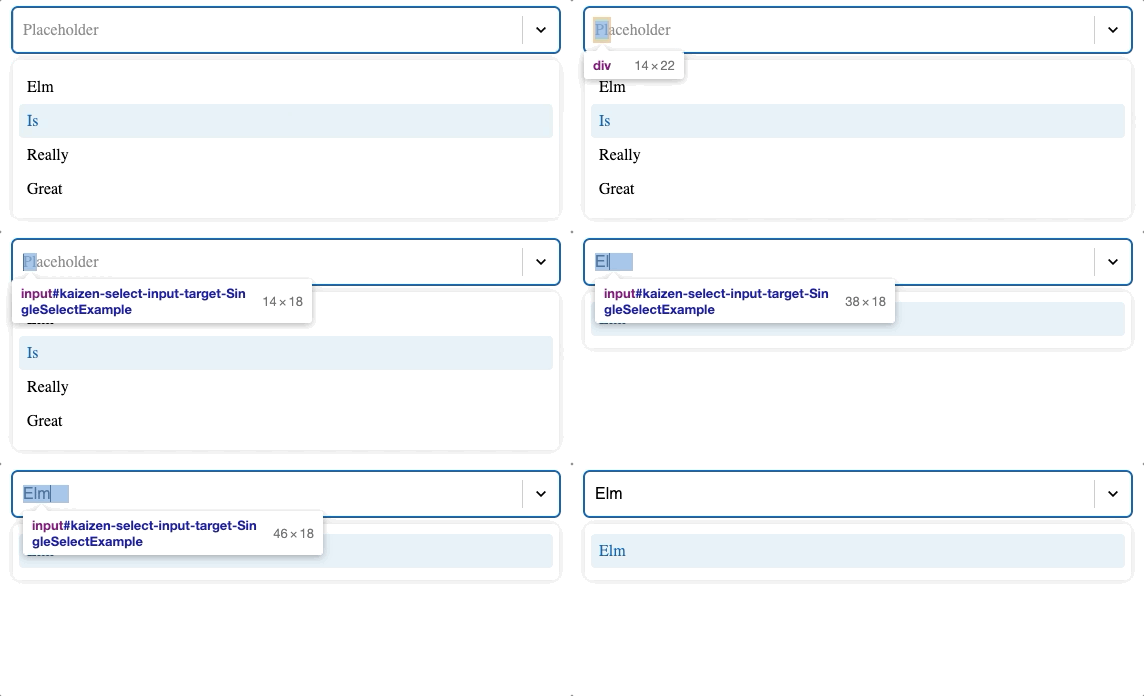
You can see by the gif below, the input width is always a little wider than the text. This is because the size attribute sets the
width of the input element to a value that relates to a characters average size.
To allow for characters that are above average in size, elm-select exaggerates the size value to ensure no text outgrows
the dynamic input width, but there may exist some edge cases where this doesn't happen.
*Other pure Elm ways to achieve this involved querying DOM elements but it was found not to be a performant way to
dynamically size the input as someone types. This due to how slow DOM queries are compared to how fast someone can input text.
The result's were usually an input that widens slower than the text is typed which creates a lagging feel.*
When you opt in to the Javascript optimization you get a zero lag, performant, dynamically sized input with a guarantee that
text will never outgrow the input element width.
**Javascript size**: ([1.3kb minified + gzipped](https://bundlephobia.com/package/@confidenceman02/elm-select@1.0.2)).
**Optimized example**
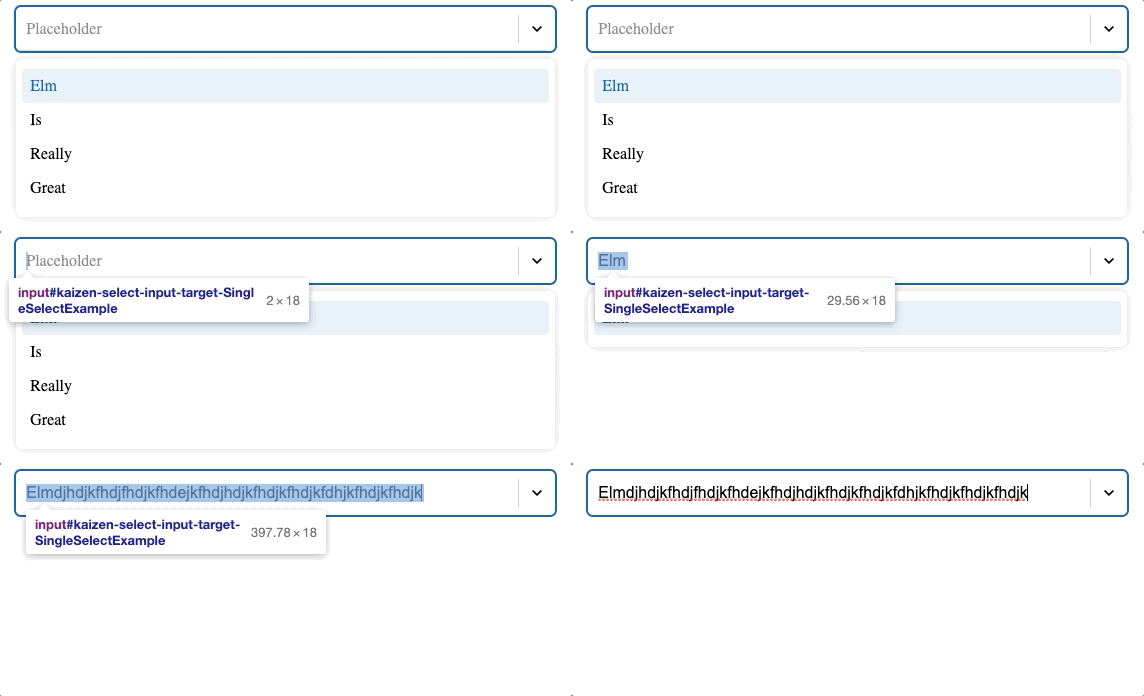
__Opting in to Javascript optimization__
*Your project will need a `package.json` file to use the @confidenceman02/elm-select npm package. You can use the
[example code](https://github.com/Confidenceman02/elm-select/tree/main/examples-optimized) as a reference to set up your project.*
Set the [jsOptimize](/packages/Confidenceman02/elm-select/2.0.2/Select#jsOptimize) flag wherever you are using [initState](/packages/Confidenceman02/elm-select/2.0.2/Select#initState).
By default the flag is `False`.
```elm
init : Model
init =
{ selectState = Select.initState |> Select.jsOptimize True
, items =
[ basicMenuitem
{ item = Australia, label = "Australia" }
, basicMenuItem
{ item = Japan, label = "Japan" }
, basicMenuitem
{ item = Taiwan, label = "Taiwan" }
]
, selectedCountry = Nothing
}
```
__Importing the package__
In your projects root directory:
```sh
npm install @confidenceman02/elm-select
```
__Using the package__
Import the minified script directly into your projects html file.
```html
Viewer
```
Alternatively, you can import the module wherever you are initiating your Elm program.
```javascript
import { Elm } from "./src/Main";
import "@confidenceman02/elm-select"
Elm.Main.init({
node: document.querySelector("main"),
flags: // your flags
})
```