CellGrid
The CellGrid package provides a type for representing and rendering
a rectangular grid of cells. The grid can be rendered as
HTML, SVG, WebGL, or Image. In the HTML and SVG versions, the grid responds to
mouse clicks. Here an example of how one sets up a CellGrid Int.
    import Array

    grid1 : CellGrid Int
    grid1 = CellGrid.initialize (Dimensions 2 2) (\i j -> i)

    toLists grid1
    --> [ [0,0]
    --> , [1,1]
    --> ]
One can define CellGrid a, where a is any type.
There are two on-line demo applications: Conway's game of life, and a simulation
of heat conduction. See the examples folder on GitHub
for the code. In the first example, we use the type
CellGrid State,where
type State = Occupied | UnoccupiedIn the second, we use
CellGrid FloatIn this case, the contents of a cell represents its temperature, which is normalized to lie in the interval [0,1]. One can create a CellGrid, transform it, and render it in the formats mentioned above. Note the type
    type alias Msg =
        { cell : Position
        , coordinates :
            { x : Float
            , y : Float
            }
        }
It is referenced by the function which renders a cell
so that when the user clicks on a cell, a message
is sent containing its Position i j as well as its local floating
point coordinates x and y. Consult ./examples/GameOfLife.elm,
to see how this message is used to respond to user clicks.
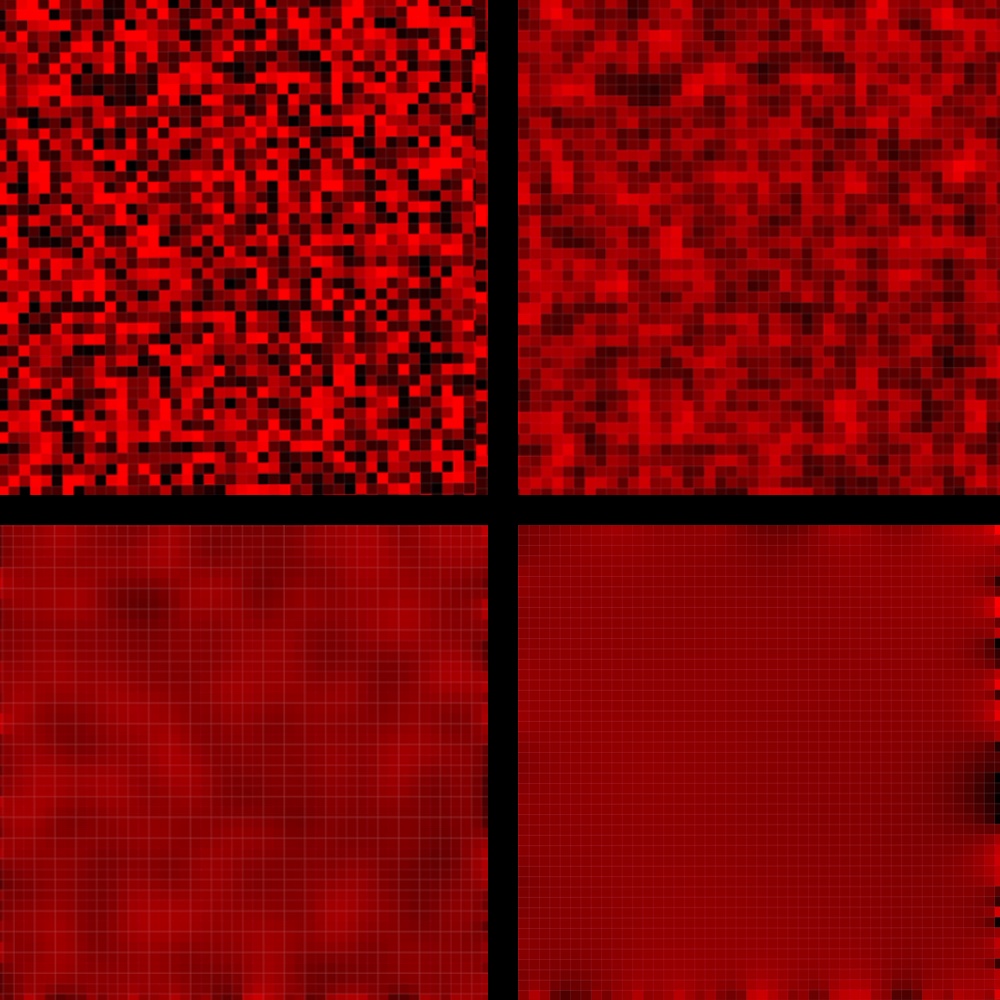
Rendering a CellGrid (Html and SVG)
Render a CellGrid using the function
    CellGrid.Render.asHtml : { width : Int, height : Int }
        -> CellStyle a -> CellGrid a -> Html Msg
The CellStyle argument determines how a cell is rendered:
    type alias CellStyle a =
        { cellWidth : Float
        , cellHeight : Float
        , toColor : a -> Color
        , gridLineWidth : Float
        , gridLineColor : Color
        }
Here is an example:
    cellStyle : CellStyle Float
    cellStyle =
        { toColor = \z -> Color.rgb z 0 0
        ,  ellWidth = 10
         , cellHeight = 10
         , gridLineColor = Color.rgb 180 0 0
         , gridLineWidth = 0.5
        }
where Color is from the package avh4/elm-color. This is the
cellStyle value used in Conway's Game of Life.
Rendering as WebGL
Please consult ./examples/HeatMap/Image2.elm.
One uses the following from `CellGrid.RenderWebGL``
asHtml : { width : Int, height : Int }
          -> (a -> Color) -> CellGrid a -> Html.Html msg
where the second parameter is a function a -> Color like
the following
    colorMap : Float -> Color.Color
    colorMap t =
        Color.rgb t 0 0
Rendering as an Image
Please consult ./examples/HeatMap/Image3.elm.
One uses the following from CellGrid.Image
toImage : CellGrid Color -> ImageNote that one can map a CellGrid a to a CellGrid Color, e.g., using
    colorMap : Float -> Color.Color
    colorMap t =
        Color.rgb t 0 0

   cgImage = CellGrid.Image.asBmpUri (CellGrid.map colorMap cgFloat)
The Image type is defined in the package justgook/elm-image.
Credits
Many thanks to Folkert de Vries for code optimizations and API improvements,
including the new CellGrid.Image module which
gives the fastest of the rendering options.