Elm UI Explorer

UI Component Explorers and Style Guides have been around for a while now. We don't build pages anymore but components that are assembled together to build systems.
In the Elm world, components are just called views, and are defined as pure functions. Elm UI Explorer takes advantage of the composability and the purity of Elm and offers a way to showcase your views and their states in a single tool. This project is inspired by React Storybook and styled with Bulma
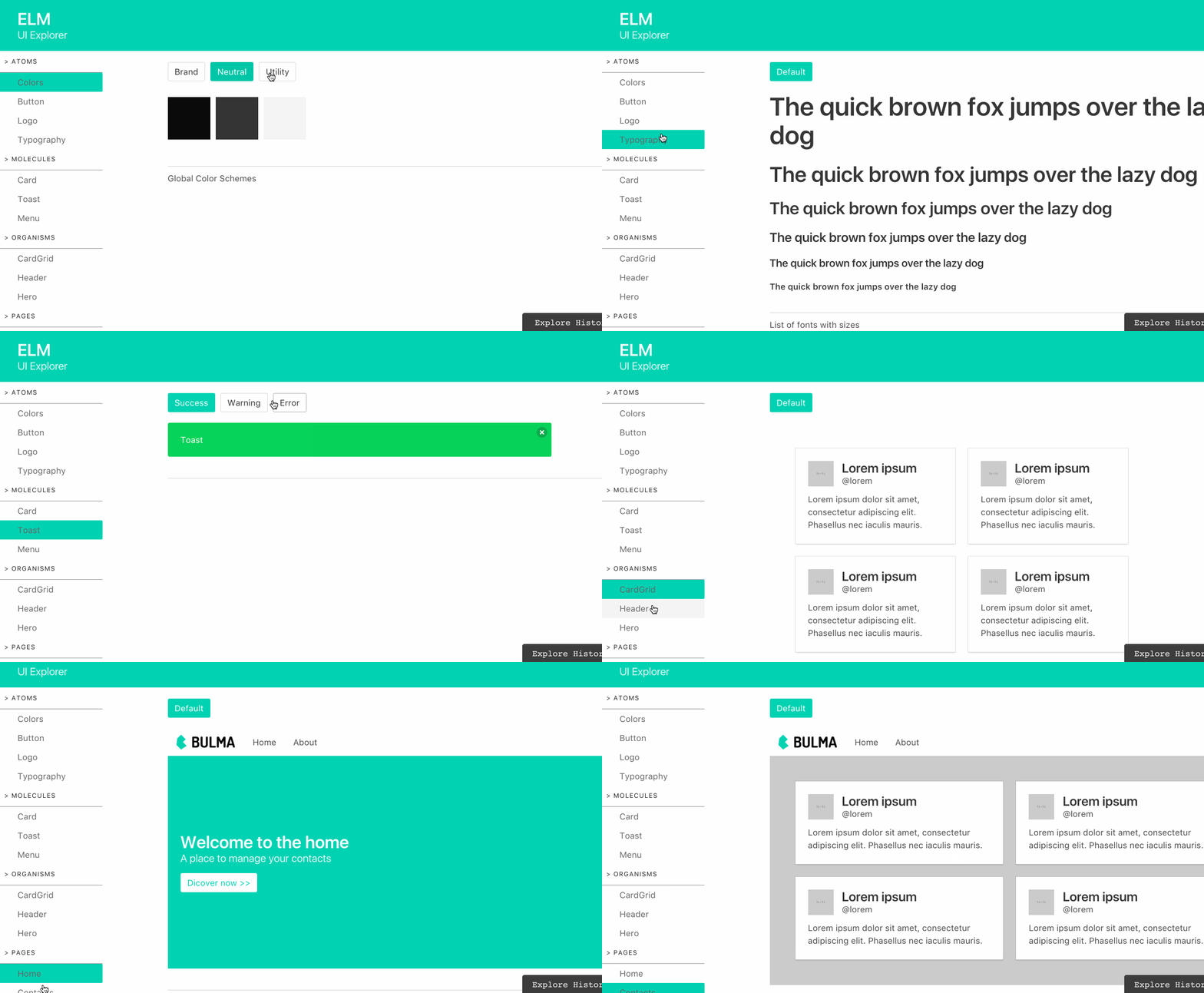
- Simple Example source| explorer demo | app demo
- Music Player source | explorer demo | app demo
- Design system source | explorer demo
Main Features
Deep linking : You can easily share UI Explorer states by copying and pasting the url ( ex: attach them to your JIRA tickets, Pull Request etc... )
Categories : Your UI Explorer can be divided into categories. Convenient if you have many views and you want to group them by family.
Descriptions : A short paragraph can be added to describe how a view works and behaves.
Best Practices
In order to avoid CSS conflicts with built in UI Explorer Styles, consider using CSS Namespacing if using elm-css or any technic that prevents styles collisions.
All ids should be unique and be written in CamelCase without spaces or special characters (ex: DropDownMenu, Loading, Loaded etc... )
For Hot Reloading, it's recommended to use Create Elm App
Try to adopt SDD (StoryBook Driven Development), creating UI this way can be very efficient.
Use Atomic Design paradigm. This will help you build a scalable Design System.