joakin/elm-canvas
** WARNING: THIS IS THE CLONE OF joakin/elm-canvas @ v5.0.0 MADE FOR CUSTOM USE WITH SOME EXTRA FUNCTIONALITY LIKE GRADIENTS ETC. USE ON YOUR OWN RISK AND PREFER THE ORIGINAL ONE IN ANY CASE. **
This module exposes a nice drawing API that works on top of the the DOM canvas.
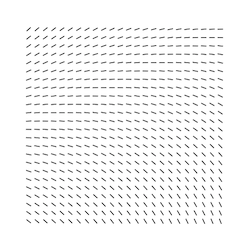
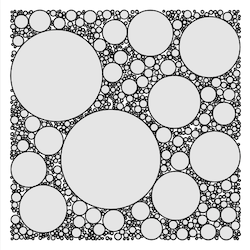
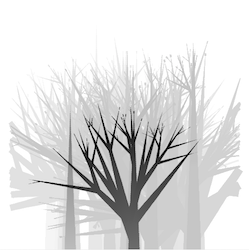
Live examples (example sources)

Usage
To use it, read the docs on the Canvas module, and remember to include the
elm-canvas custom element script in your page before you initialize your Elm
application.
- Ellie basic example
- Good starting point to play with the library without installing anything.
- Basic project template to get started: joakin/elm-canvas-sketch
- http://unpkg.com/elm-canvas/elm-canvas.js
- CDN link. Visit it and copy the redirected URL with the version number into your HTML.
- http://npmjs.com/package/elm-canvas
- If you use a bundler like parcel or webpack, you can use the npm package
- See npm docs for version compatibility, in general, latest npm package/CDN link should work fine with the latest elm package.
Then, you can add your HTML element like this:
module Main exposing (main)

import Canvas exposing (..)
import Canvas.Settings exposing (..)
import Color -- elm install avh4/elm-color
import Html exposing (Html)
import Html.Attributes exposing (style)

view : Html msg
view =
    let
        width = 500
        height = 300
    in
        Canvas.toHtml (width, height)
            [ style "border" "1px solid black" ]
            [ shapes [ fill Color.white ] [ rect (0, 0) width height ]
            , renderSquare
            ]

renderSquare =
  shapes [ fill (Color.rgba 0 0 0 1) ]
      [ rect (0, 0) 100 50 ]

main = view
Examples
You can see many examples in the examples/ folder, and experience them live.
Additionally, some of the p5js.org examples were adapted to Elm using this package. They can be found in the Elm discourse thread.