InView
Detect
Detect if an element is visible in the current viewport.
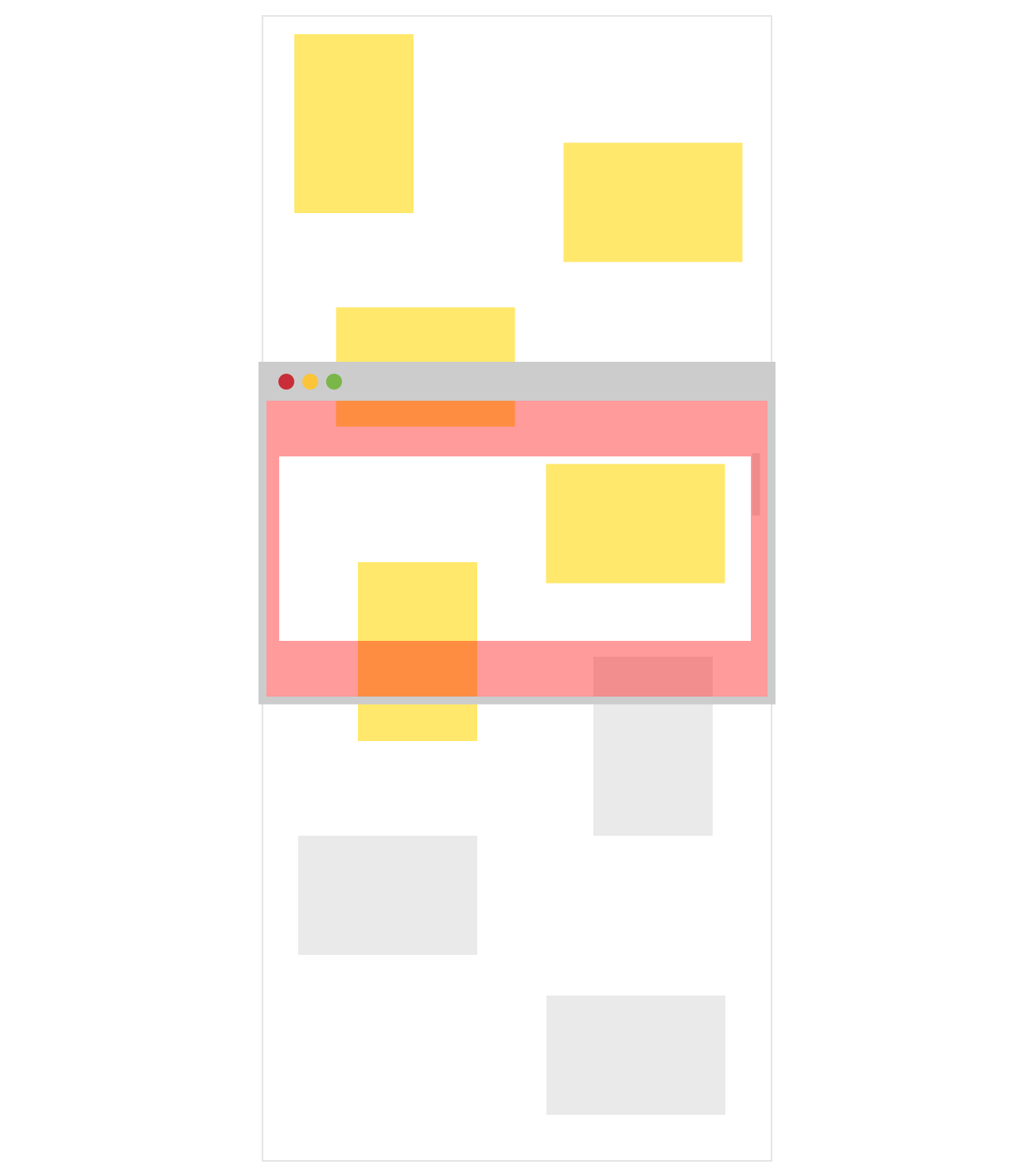
True if the element with the given id is in the current viewport but with an x and y offset. A positive offset will make the viewport smaller and vice versa.
note: this is a Maybe because the element might not be on the page at all.
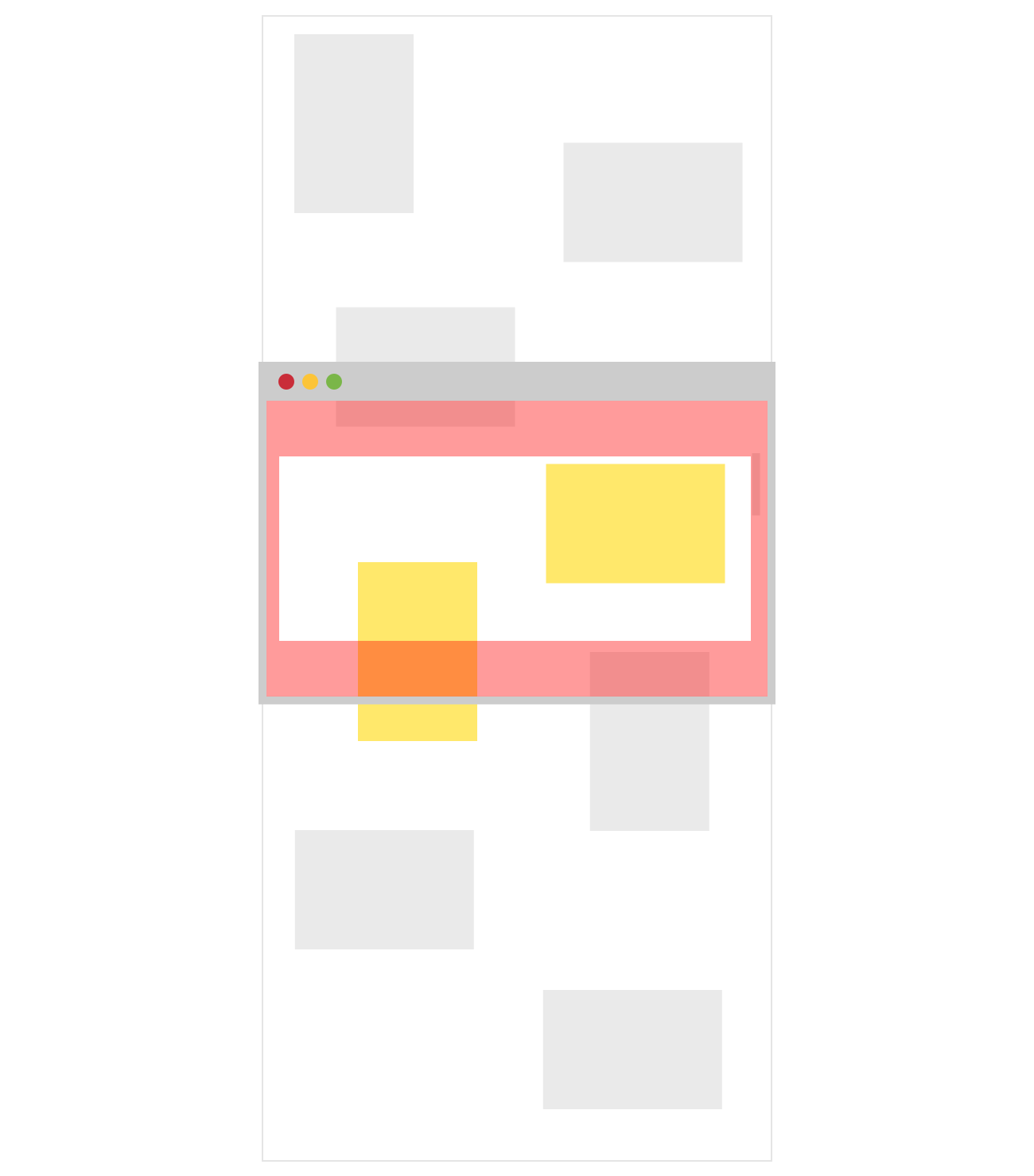
True if the element with the given id is in or above the current viewport.
note: this is a Maybe because the element might not be on the page at all.
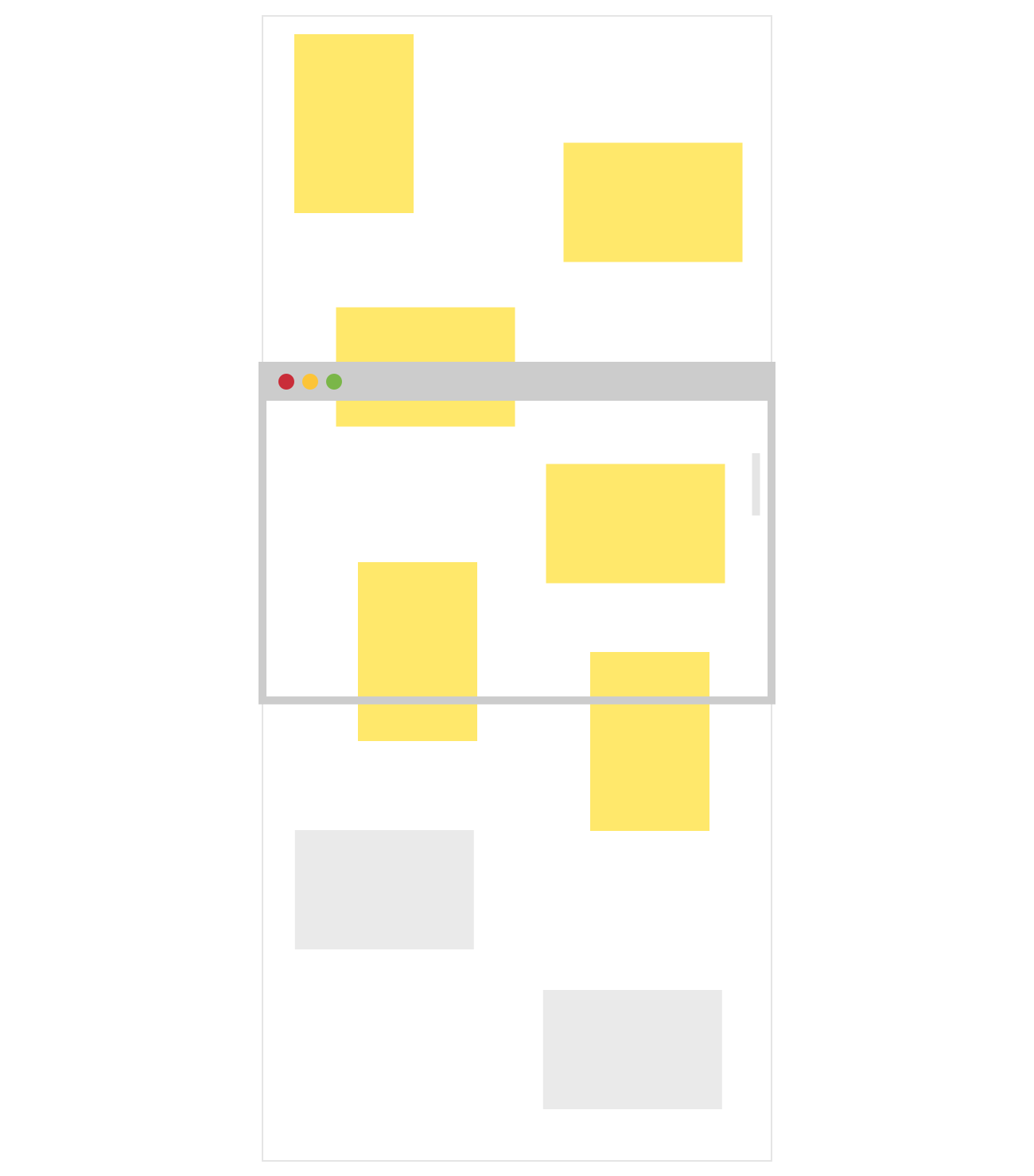
True if the element with the given id is in or above the current viewport but with an x and y offset. A positive offset will make the viewport smaller and vice versa.
note: this is a Maybe because the element might not be on the page at all.
Detect Custom
Write your own check function.
For example checkAltWithOffset is implemented like:
checkAltWithOffset : String -> Float -> Float -> State -> Maybe Bool
checkAltWithOffset id offsetX offsetY state =
    let
        calc { viewport } { element } =
            (viewport.y - offsetY + viewport.height > element.y)
                && viewport.x - offsetX + viewport.width > element.x)
    in
    checkCustom calc id state
note: this is a Maybe because the element might not be on the page at all.
Definitions
Keeps track of viewport position, viewport dimensions and element positions.
A message type for the state to update.
Init
Takes the list of element ids you want to keep track of and attempts to find them in the DOM.
Update
Update current viewport x and y offset. Use this function to update the viewport scroll position.
Subscribes to browser resize events and recalculates element positions.
Add elements you'd like to be able to detect after you've initialized the state.
True if the element with the given id is in the current viewport.
note: this is a Maybe because the element might not be on the page at all.