Widget.Layout
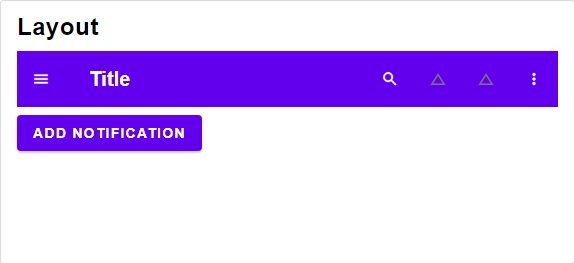
Combines multiple concepts from the Material Design specification, namely:
- Top App Bar
- Navigation Draw
- Side Panel
- Dialog
- Snackbar
It is responsive and changes view to apply to the Material Design guidelines.
Sheets
{ button : ItemStyle (ButtonStyle msg) msg
, sheet : ColumnStyle msg
}
-> { title : Element msg
, menu : Select msg
, onDismiss : msg
}
-> Modal msg
{ sheet : ColumnStyle msg
, insetItem : ItemStyle (InsetItemStyle msg) msg
}
-> { onDismiss : msg
, moreActions : List (Button msg)
}
-> Modal msg
Right sheet containing a simple list of buttons
Top sheet containing a searchbar spanning the full width
Utility Functions
Obtain the device class from a given window.
Checkout Element.classifyDevice for more information.
List (Button msg)
-> { primaryActions : List (Button msg)
, moreActions : List (Button msg)
}
Partitions actions into primary and additional actions.
It is intended to hide the additional actions in a side menu.
{ dialog : Maybe (Modal msg)
, topSheet : Maybe (Modal msg)
, bottomSheet : Maybe (Modal msg)
, leftSheet : Maybe (Modal msg)
, rightSheet : Maybe (Modal msg)
}
-> List (Modal msg)
Material design only allows one element at a time to be visible as modal.
The order from most important to least important is as follows:
dialog
top sheet
bottom sheet
left sheet
right sheet
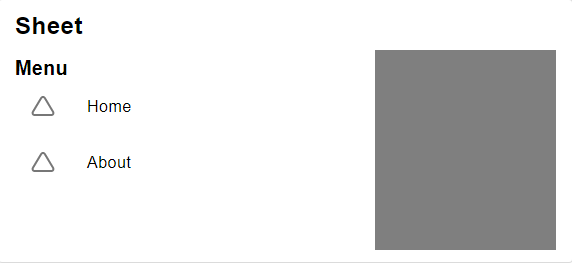
Left sheet containing a title and a menu.