Curve
Construct curves from a set of points.
The problem of drawing a line through a set of points is actually quite tricky. Should the curve be smooth? Should the ends be connected? This module gives many options for drawing lines through points.
Supports all the curves defined by D3 Shape.
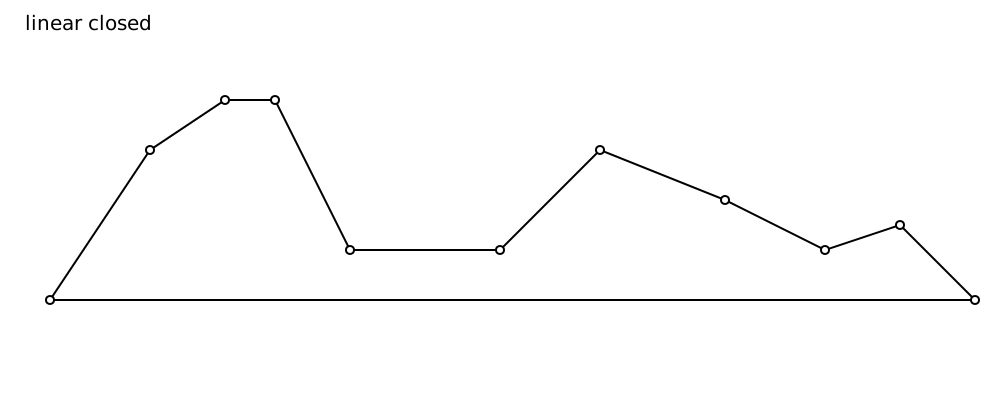
Linear
Draw a straigt line between the data points, connecting the ends.
Bezier
Shorthand to draw a sequence of cubic bezier segments
Shorthand to draw a sequence of smooth cubic bezier segments
Shorthand to draw a sequence of quadratic bezier segments
Shorthand to draw a sequence of smooth quadratic bezier segments
Step
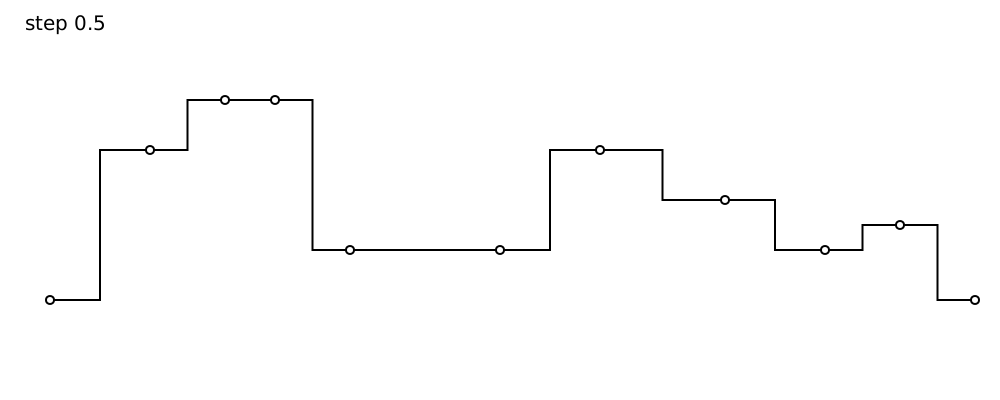
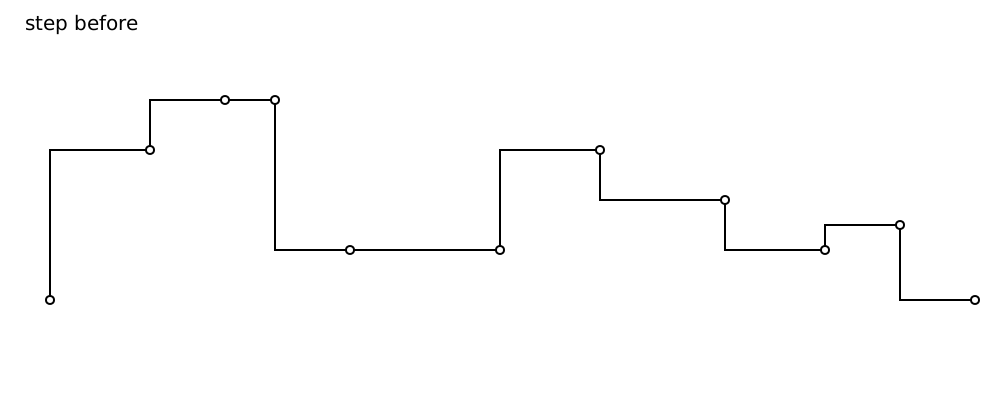
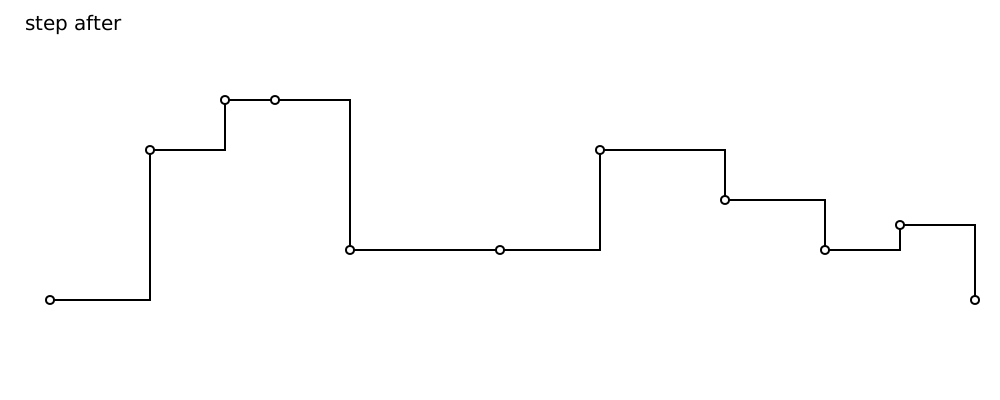
Step goes some distance to the right, then to the y-coordinate of the next data point, and then draws to the next point.
The first argument determines where the step is.
step 1 pointsisstepAfterstep 0 pointsisstepBeforestep 0.5 pointssteps exactly in the middle
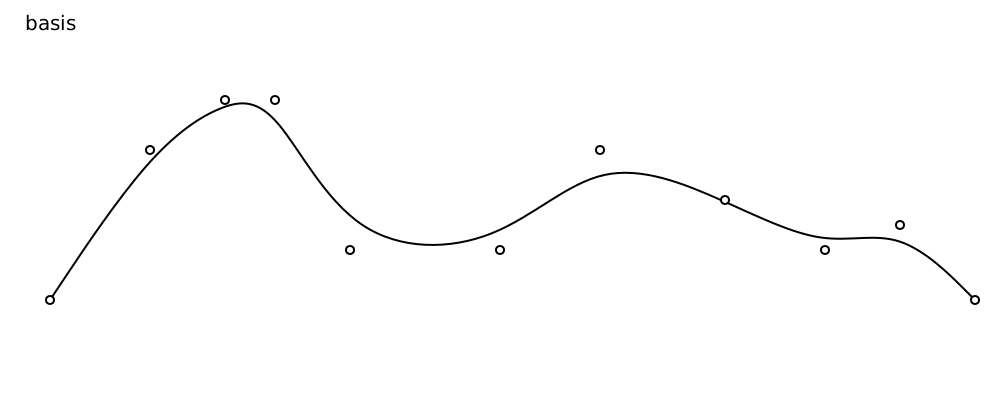
Basis
Basis interpolation (also known as B-spline)
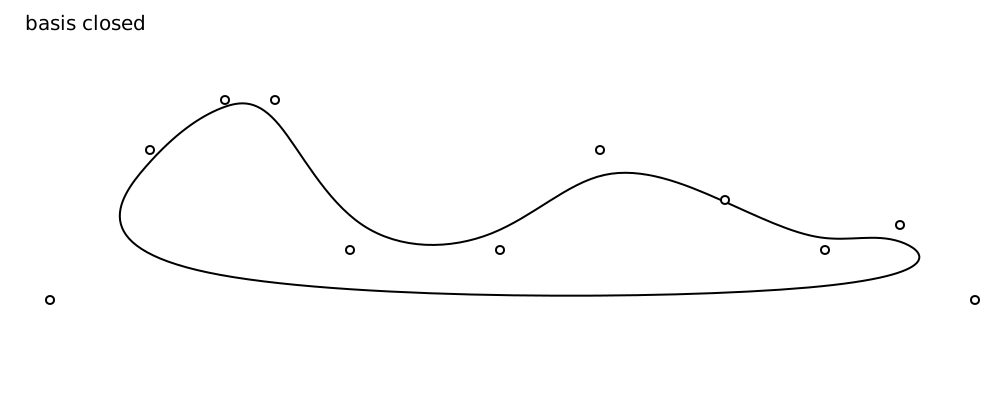
Closed Basis interpolation (also known as B-spline)
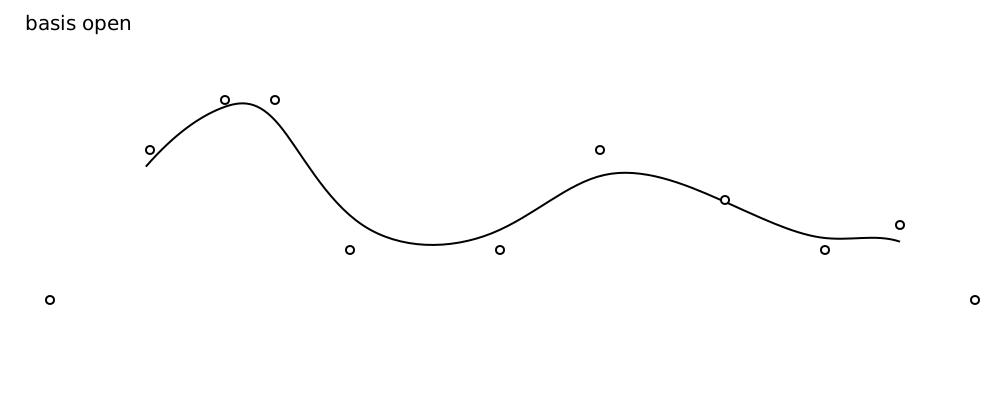
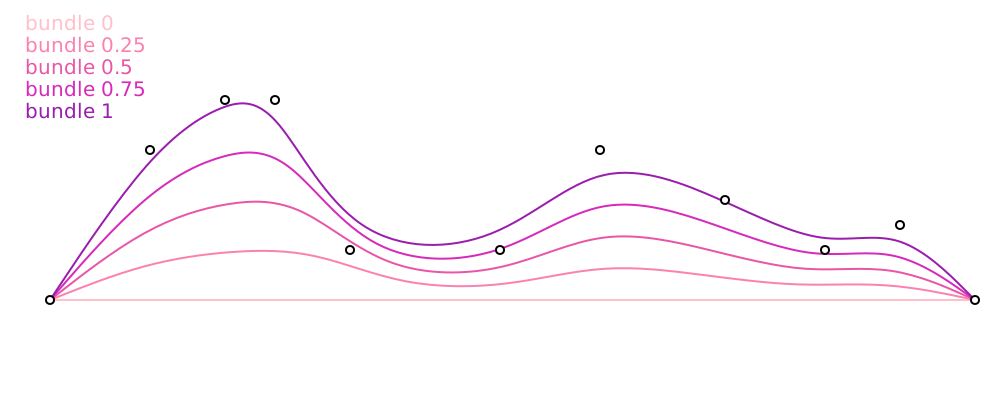
Cardinal
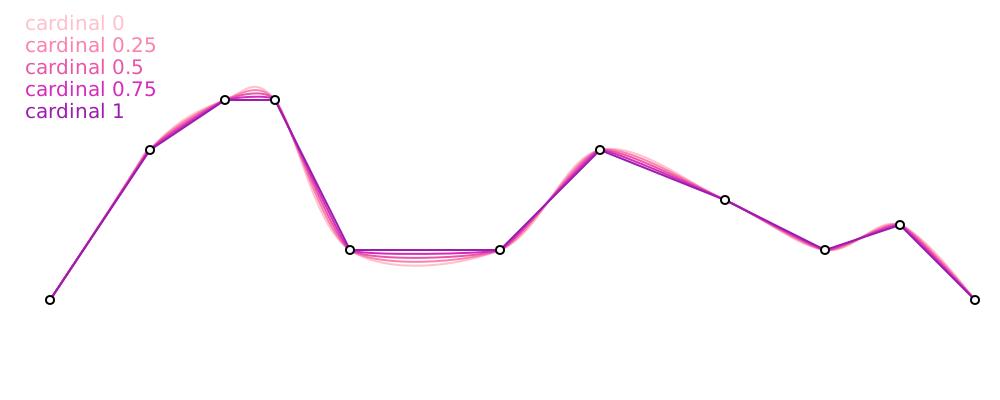
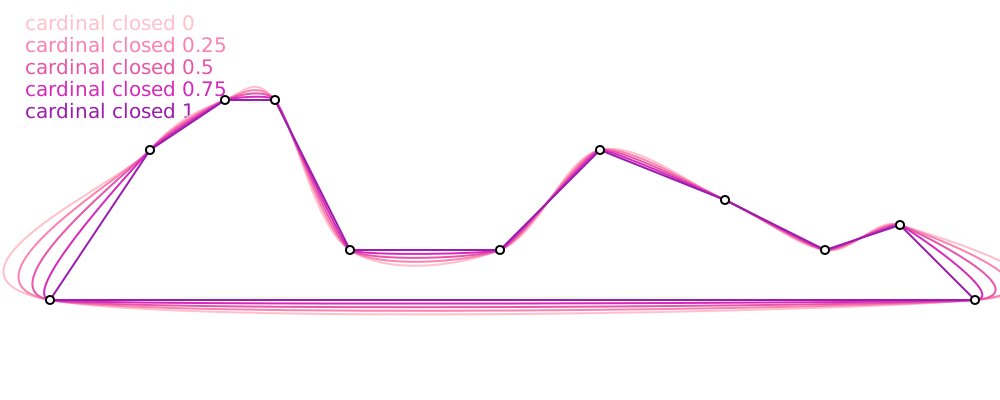
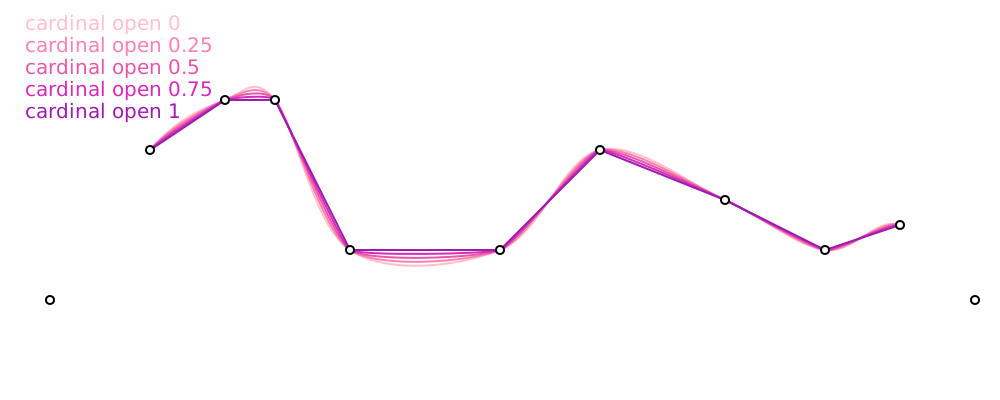
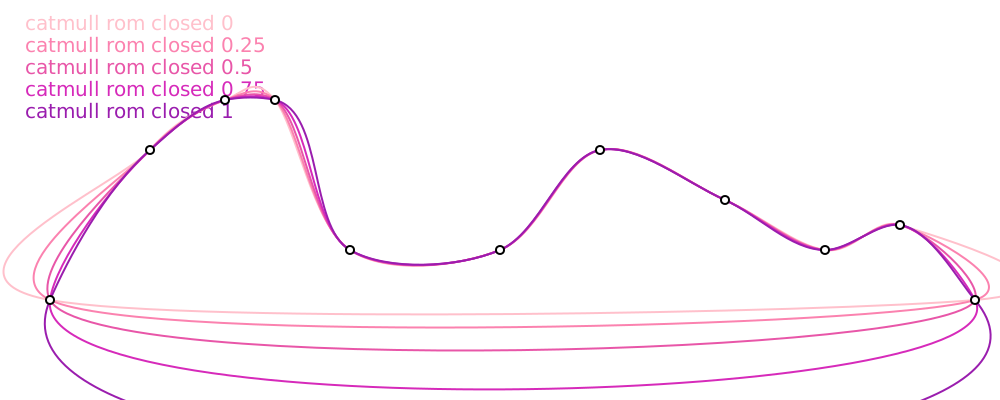
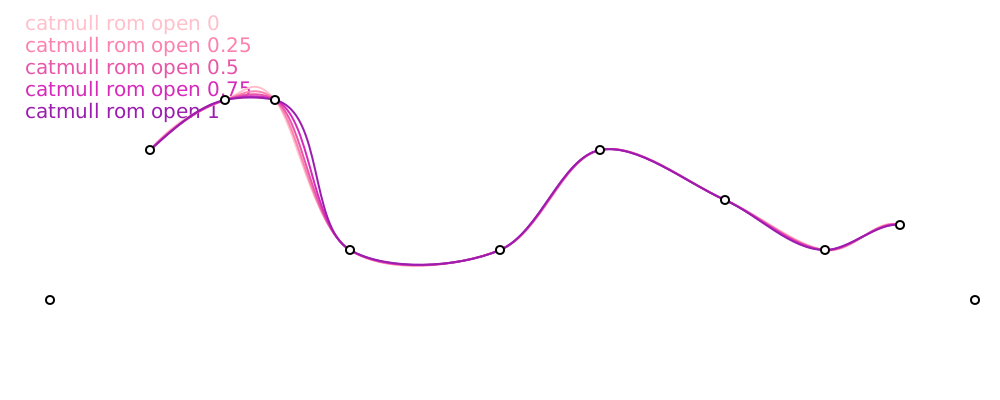
Catmull-Rom
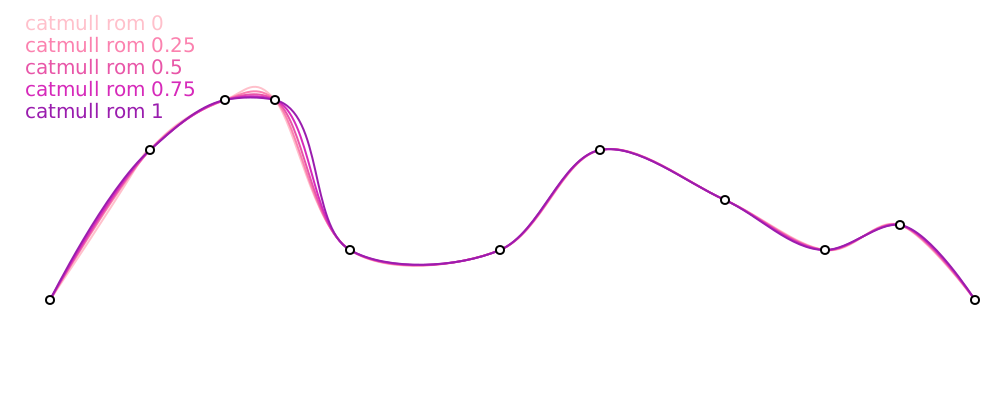
Catmull-Rom splines are a special case of cardinal splines. These curves are great for animation, because the data points are hit exactly and the curve is smooth.
Monotone
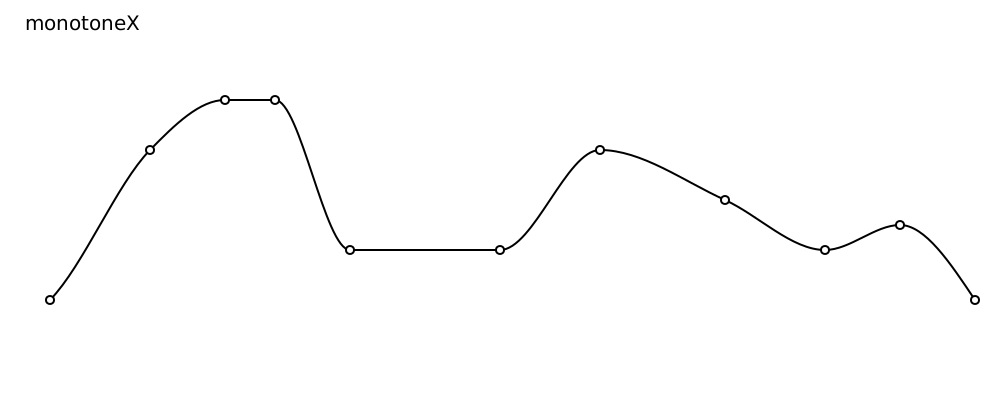
The monotone curves can only be increasing (staying flat or becoming higher) or decreasing (staying flat or becoming lower) between any two adjacent points. It cannot first go down and then go up.

Notice that around 0.45, the cubic interpolation dives below the y-coordinate of the next point, whereas the monotone interpolation does not.
A nice consequence is that there are no weird bumps in the curve between the data points.
Draw a curve monotone in y assuming the points are monotone in x.
Note, does not deal well with coincident points
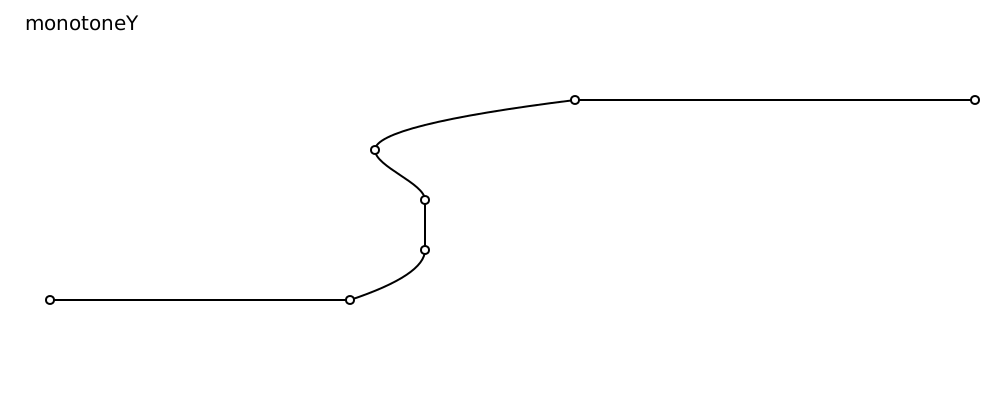
Draw a curve monotone in y assuming the points are monotone in x.
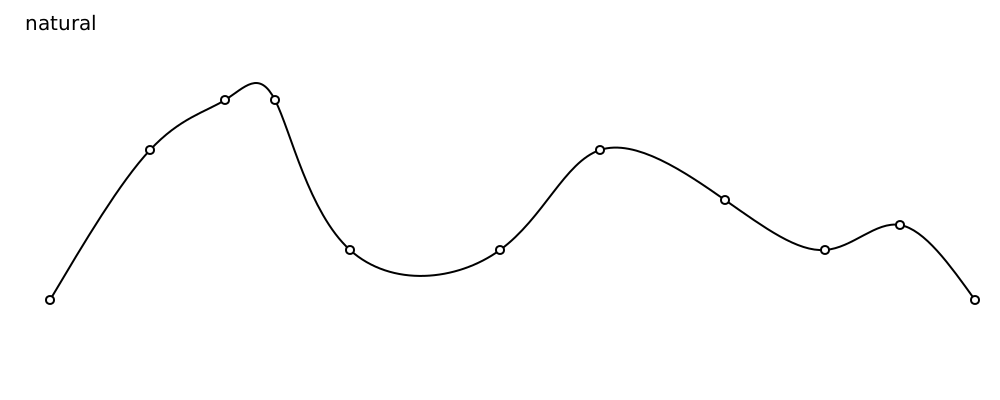
Natural
Transformations
Repeat the first element of a list
This is sometimes useful for curves that don't go through their first control point (catmullRom, cardinal). Repeating the first point makes the curve actually hit the first control point.
Repeat the final element of a list
Similar to repeatFirstPoint, this can be used to make some curves hit their final control point.
Interpret a 2D vector as a (angle, radius) pair. The angle is in radians. The first argument is the center.
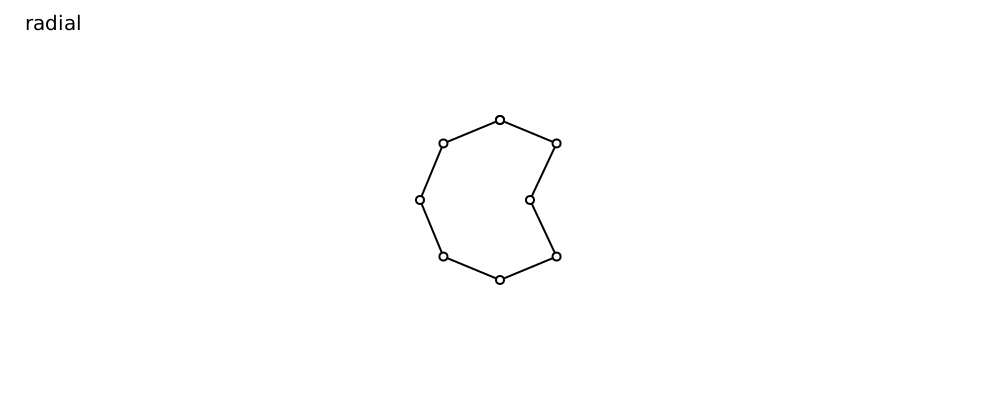
Convert (angle, radius) pairs to (x, y) coordinates, relative to the given vector.
This function is used by radial and can be used to use radial with different interpolations, for instance.
radialNatural  : Vec2 Float -> List (Vec2 Float) -> SubPath
radialNatural ( x, y ) =
    natural << toPolarWithCenter ( x, y )
WIP TEST
calculate the control points for natural spline interpolation
Draw straight lines between the data points.